Fixing .NET Watch & Hot Reload in Aspire without Leaving .NET 8
.NET Watch’s unexpected behavior with Aspire in .NET 8
.NET Watch’s unexpected behavior with Aspire in .NET 8
A very good talk about some low-level .NET concepts.
I adopted .NET Aspire to manage my growing web application’s microservices and containerized dependencies, making it easy for me and my team to launch the entire codebase with a single command. To solve the problem of starting with an empty database, I created a custom Aspire command that lets me easily drop the existing database and import a BacPac file directly from the Aspire dashboard.
Recently, I had a need to host 2 Single Page Applications (SPA) from the same .NET backend using ASP.NET Core.
I recently ran into an issue related to source generation in dotnet when using the FastEndpoints.Generator package.
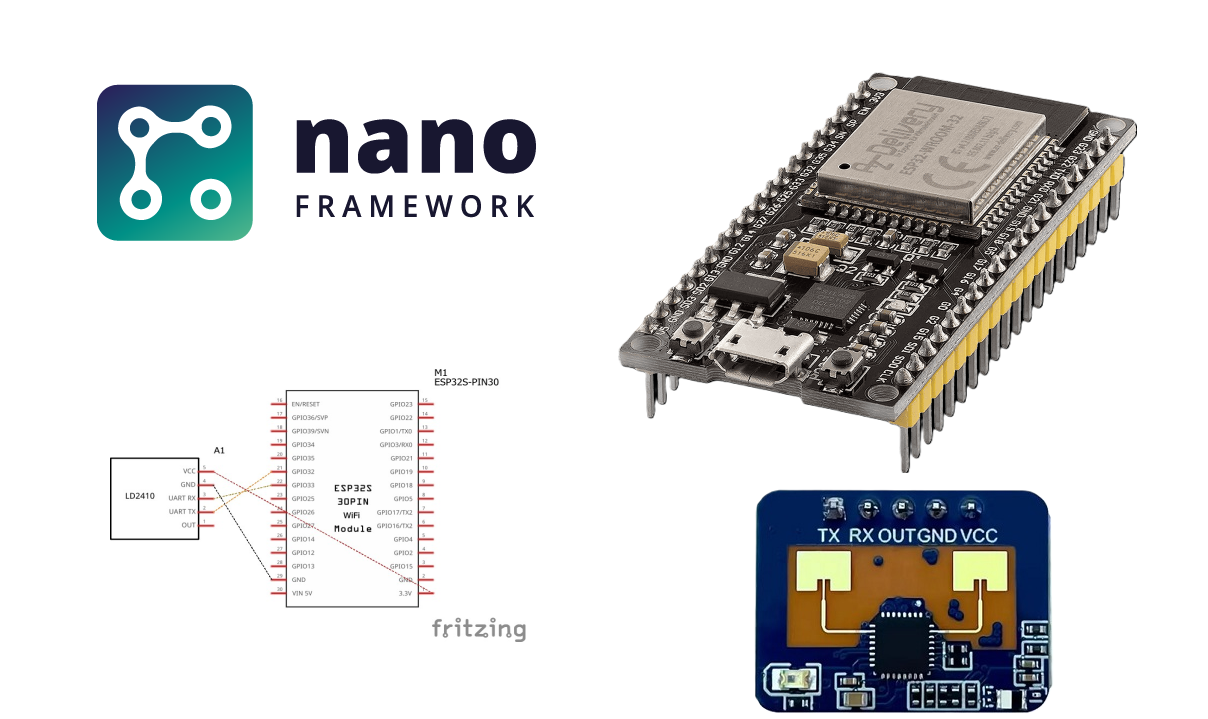
There’s something very exciting when working directly with hardware as a professional dotnet software developer that has spent over a decade developing for desktop, mobile, and web. It feels great being able to put my code on a small, low-powered, resource-constrained Microcontroller and have it solve a specific problem I have… or just do fun little projects. After all, it’s why I got into programming in the first place.
My room’s AC unit (Panasonic) is quite old. It does a great job cooling/heating the place after all these years, but also lacks any “smart” capabilities found on modern units.
I have recently discovered Nanoframework which is a community-led project to bring C# and Dotnet to the world of micro-controllers. Since then, I have been tinkering with IoT and embedded devices using C# to connect with sensors and play around with them.
I have been developing UWP applications for a few years now and I truly enjoy it. It’s been the platform where I experiment with and used it to learn a lot about programming.
At the company I currently work for, our CI pipelines run on a dedicated server that we own and manage on premise. This build server is using Atlassian Bamboo and is configured to run the builds using agents running directly inside the host OS which means builds share and depend on components installed on the host OS.